
Visual Library
The Visual Library brings together charts, diagrams, comparisons, and teaching visuals that help growers see patterns more clearly, compare similar situations, and place decisions into the correct sequence.
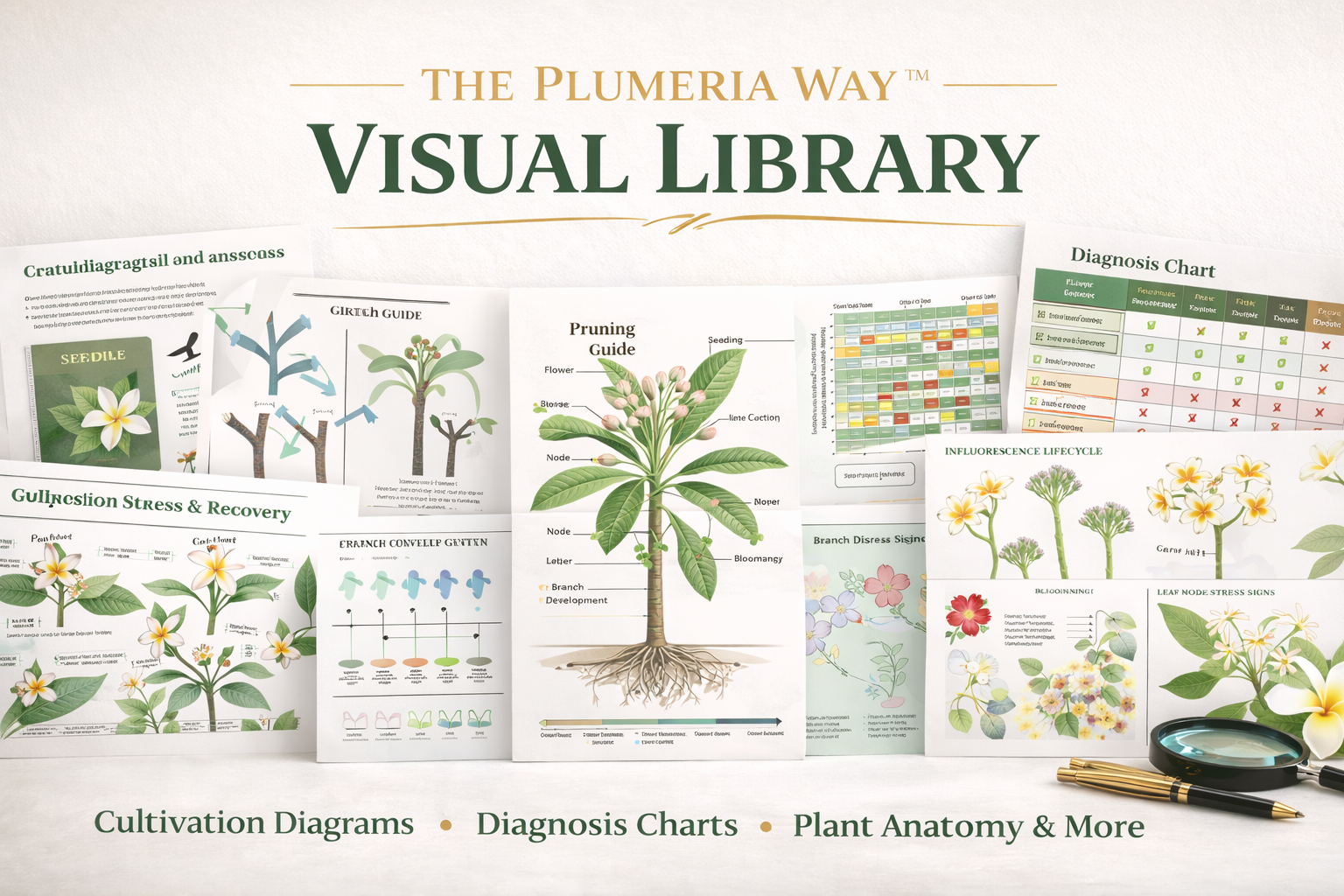
Good visuals reduce confusion by helping growers compare what they are seeing now with what the framework says belongs next. They support observation, sequence, and safer decisions.
What the Visual Library Is For
Some ideas are easier to understand when they can be seen. The Visual Library helps translate structure, readiness, symptom comparison, and teaching flow into formats that are easier to use during learning, troubleshooting, and group instruction.
See patterns faster
Visual comparisons help growers identify differences between look-alike situations and avoid misreading a plant too quickly.
Support safer sequence
The right chart or diagram can make it much easier to understand what belongs now, what belongs later, and why some steps should wait.
Strengthen teaching
Visual tools help instructors, societies, and group leaders explain the framework more clearly and reduce mixed messages from one lesson or presenter to the next.
Visuals should support judgment, not replace it. A chart is useful only when it helps the grower slow down, compare correctly, and choose the safer next step.
Visual Sections
Use the section that best matches what you are trying to understand, teach, or compare.
Diagnostic Visuals
Visual comparisons that help distinguish symptoms, separate look-alike problems, and support better evidence-first diagnosis.
Phase System Visuals
Charts and diagrams that help explain the five phases, readiness boundaries, and safer progression through the framework.
Teaching Asset Visuals
Teaching-oriented visuals designed to support instructors, presenters, workshops, and group education.
Stress Recovery Visuals
Visual tools that help explain instability, recovery logic, false diagnoses, and why earlier, simpler steps are often safer.
Treatment Visuals
Visual support for treatment sequencing, escalation logic, and safer intervention boundaries after the case is better defined.
Fertilizer Timing Visuals
Visual references that help explain timing, readiness, seasonal feeding boundaries, and why fertilizer should not be used to replace stability.
How to Use Visuals Well
Visual tools work best when they support the right order of thinking rather than turning a complex situation into a shortcut.
Compare Before Concluding
Use visuals to compare likely possibilities before deciding what the problem or next step must be.
Keep Phase in View
A visual is more useful when it is tied to the current phase and the current readiness of the plant.
Use Visuals to Teach Boundaries
Good visuals help show why some actions belong later, why earlier is safer, and why activity is not always readiness.
Use visuals to slow the decision down, not speed it up.
Who This Helps Most
The Visual Library is especially useful for growers who learn by comparison, instructors who need clearer teaching tools, and anyone trying to reduce confusion in more complex plant-care decisions.
Growers building confidence
Visual support can make it easier to connect what the grower sees with what the framework says to do next.
Diagnostic learners
Visual comparisons are especially useful when the main challenge is distinguishing between similar-looking causes.
Teachers and group leaders
Visual tools help create clearer lessons, better comparisons, and more repeatable educational delivery.
Related Paths
Framework
Review the larger structure that the visuals are meant to support.
Teaching Assets
Use group-facing support materials when the visual need is part of a larger teaching or workshop plan.
Support & FAQ
Return to Support & FAQ when you need help choosing the right page, resource, or next step.
Explore The Plumeria Way™
Phases
Use the five-phase structure to place visuals into the correct readiness context.
Learning Paths
Use learning paths when you want a bigger structured route beyond a single chart or comparison.
Field Books
Use Field Books when you want bench-side references that connect visuals to repeatable decisions.
I Teach or Lead a Group
Use the group leader path when visuals are part of a larger teaching or presentation system.
The Visual Library helps turn comparison into understanding, and understanding into safer, better-timed decisions.